Reach the neighbors around your shop.
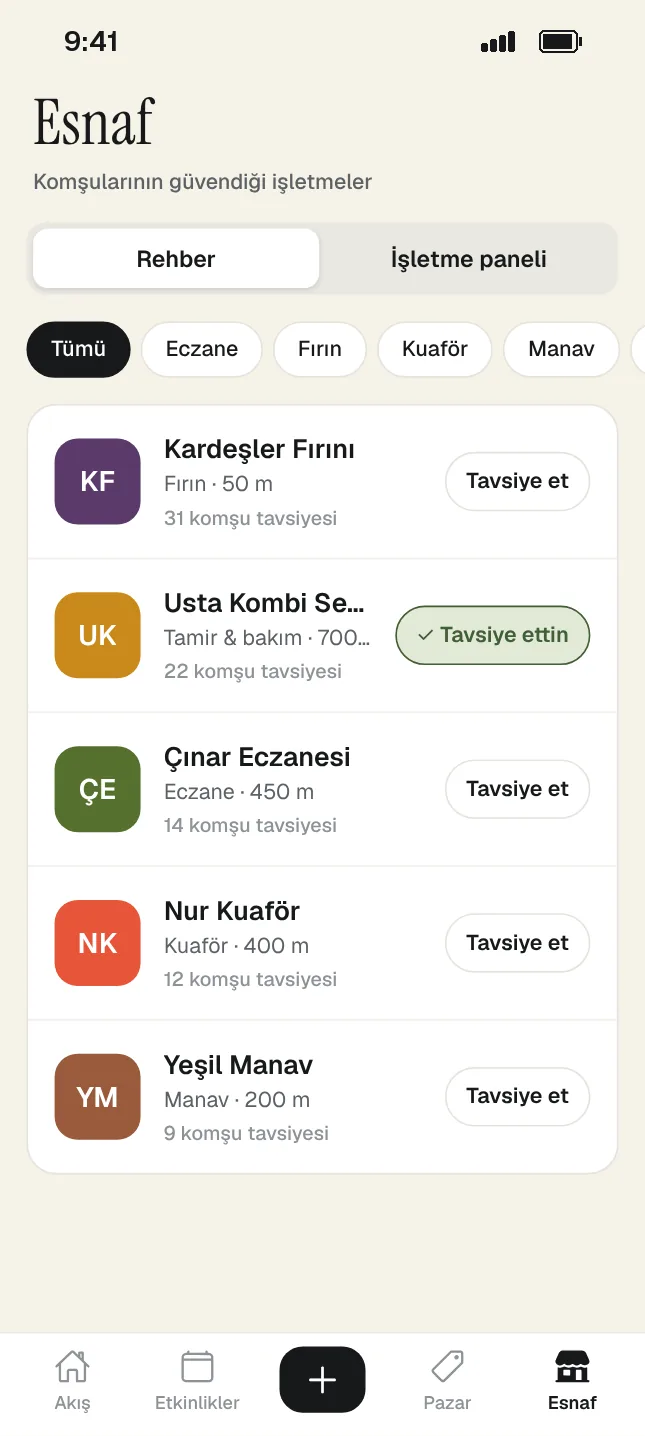
Only verified businesses appear on MahalleApp. Apply and we'll review your business. Once approved, your shop is added to the neighborhood's shop guide and map; neighbors find you, and you rise as they recommend you.
Four steps from application to the guide.
- 01
Apply
Fill in the form below and upload your tax certificate.
ON THIS PAGE - 02
We review
Our team checks that the business really exists and that the applicant is authorized.
1–3 BUSINESS DAYS - 03
Approval email
When you're approved, we email you. If something is missing, we'll call or write.
EMAIL - 04
In the guide and on the map
Your business appears in the neighborhood's shop guide and on its map. Neighbors see how far you are and recommend you.
IN THE APP
So neighbors can trust you.
We want every business in the feed to be real. That's why a person reviews every application.
- Tax certificate (vergi levhası, PDF or photo)
- Tax ID number and tax office
- The business's full address
- A phone number and email we can reach
- Tax recordWe check that the tax number matches the name on the certificate.
- AddressWe verify the address on the map and, if needed, with a photo.
- PhoneWe call the number you give to confirm the business can be reached.
- AuthorizationWe check that the applicant is the owner or an authorized person.
- CategoryWe check that the line of business fits the community guidelines.
- Duplicate accountsWe make sure there's no other account for the same business.
We've received your application
It's under review. We usually reply within 1 to 3 business days to .
- We're checking the tax record and the address.
- If needed, we'll call you on the number you gave.
- Once approved, we'll let you know by email.
- Your business goes live in the neighborhood's shop guide and on its map.
Being in the guide is free.
There's no fee to apply, be verified or be listed in the shop guide.
No fee for verification and the business account.
Approved businesses appear in the neighborhood's shop guide and on its map, and collect neighbor recommendations.
We're preparing ways to show neighbors your offers and announcements. When they're ready, applicants will hear first.
Why can't I open an account directly in the app?
We want every business in the feed to be real. To prevent fake or misleading accounts, a person reviews every application. After approval, your business appears in the neighborhood's guide and on its map.
How long does the review take?
Usually 1 to 3 business days. If documents are missing or unreadable we'll get in touch, which can take longer.
What if my application is rejected?
We'll email you the reason. You can fix what's missing and apply again.
I don't have a physical shop. Can I apply?
Tradespeople and freelancers who work from home can apply too. Your tax record and the area you serve are enough; you can enter your service area as the address.
How do I appear in the right place on the map?
Just add your shop's link in the Google Maps field of the form; we take your place on the map from there when approving. Without a link, we mark it from your address.
I have more than one branch.
Each branch appears in its own neighborhood, so we suggest applying for each separately. Mention your other branches in the notes and we'll link the accounts.